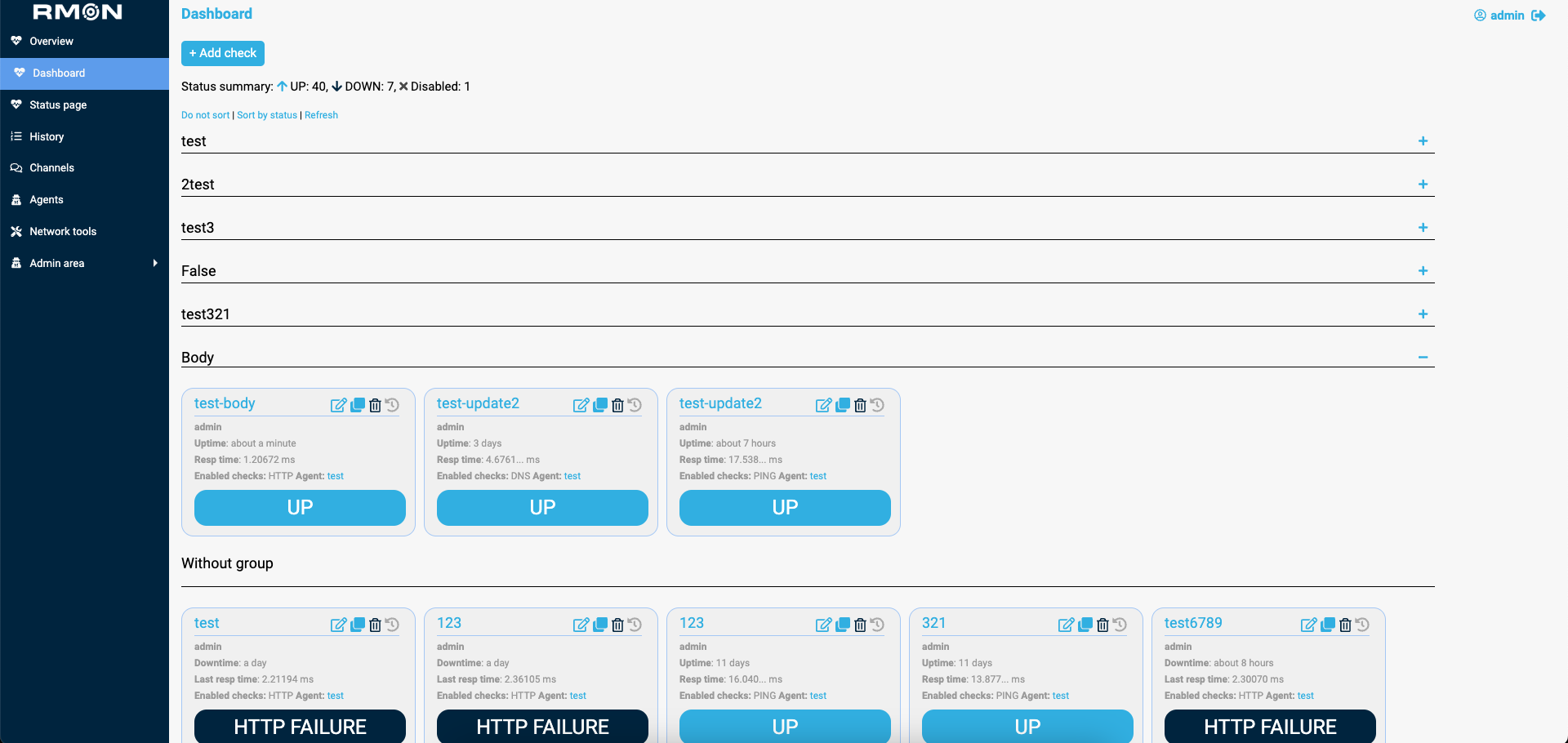
RMON (remote monitoring) is an easy to understand and use geo-distributed monitoring.
- Telegram Channel about RMON, talks and questions are welcome
- Checking ping availability
- Checking DNS records availability
- Checking the availability of TCP and UDP ports
- Checking HTTP statuses
- Checking the BODY of HTTP(s) responses
- Checking the SSL expiration date
- Checking SMTP service
- Checking RabbitMQ service
- Sending Telegram, Slack, PagerDuty and Email notifications
- Real-time alerting via RMON web interface
- Checking network connectivity
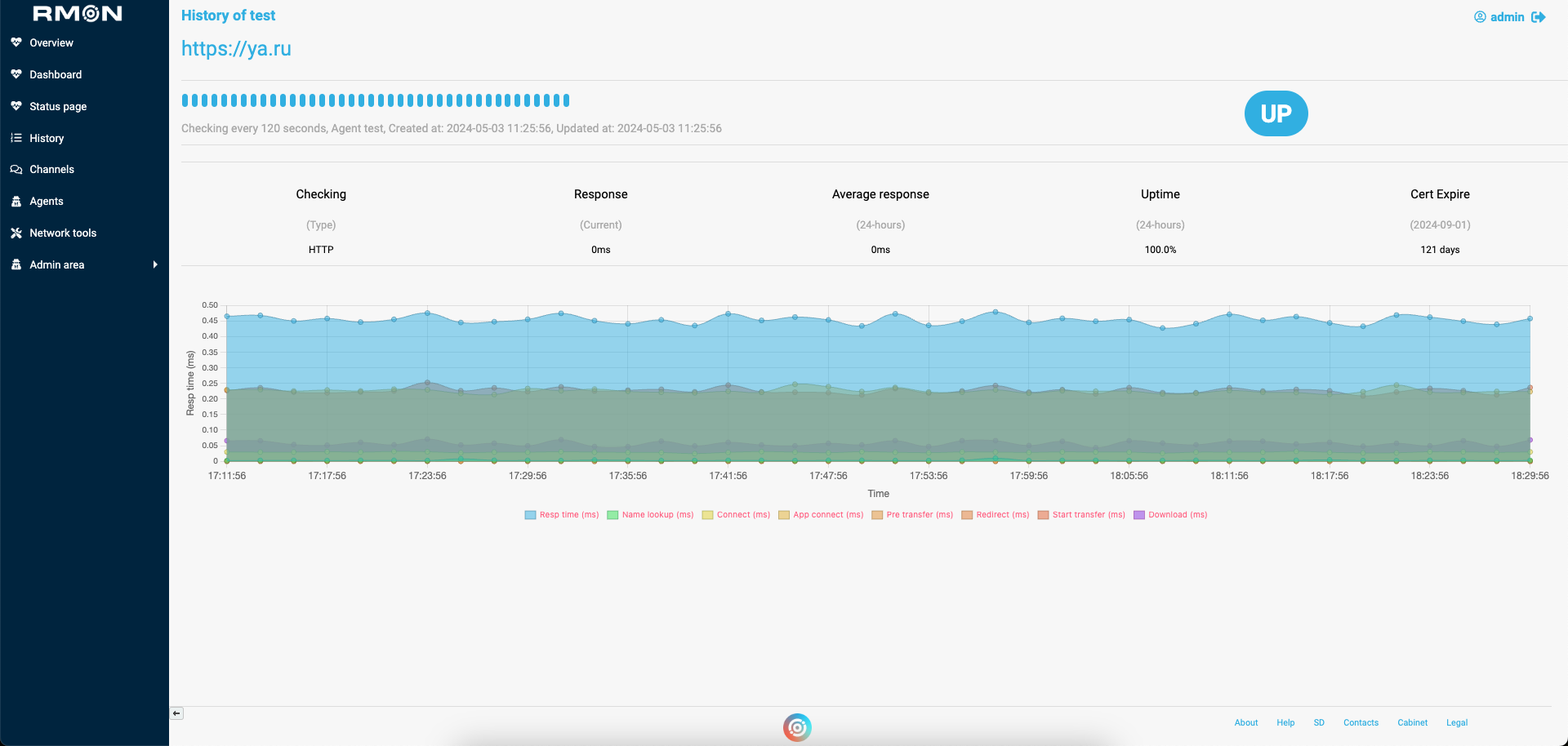
- Providing information upon response time
- Providing information upon servers uptime and downtime
- Storing the alarm history
- Storing the history of events for each host
- Status pages
- RMON Agents
- Network tools
For installation on EL and Ubuntu read this guide
RMON no longer ships reusable application or credential-encryption secrets. Set these values in the service environment before starting RMON:
RMON_SECRET_KEY: a random value of at least 32 characters for Flask sessions.RMON_SECRET_PHRASE: a Fernet key for stored SSH passwords, passphrases, and private keys. Generate one withpython3 -c "from cryptography.fernet import Fernet; print(Fernet.generate_key().decode())".RMON_JWT_PRIVATE_KEY_FILEandRMON_JWT_PUBLIC_KEY_FILE: optional overrides for the default JWT key paths in/var/lib/rmon/keys.
The Flask secret may instead be stored in RMON_SECRET_KEY_FILE; when neither setting exists, RMON creates /var/lib/rmon/keys/flask-secret with mode 0600. The scheduler itself remains enabled by default, but its unauthenticated REST API is disabled. Set RMON_SCHEDULER_ENABLED=0 when a separate scheduler process is used.
To rotate an existing credential key, back up the database and run rotate_credential_secret.py with both RMON_OLD_SECRET_PHRASE and the new RMON_SECRET_PHRASE in the environment. The update is transactional and can safely skip values that were already rotated.