


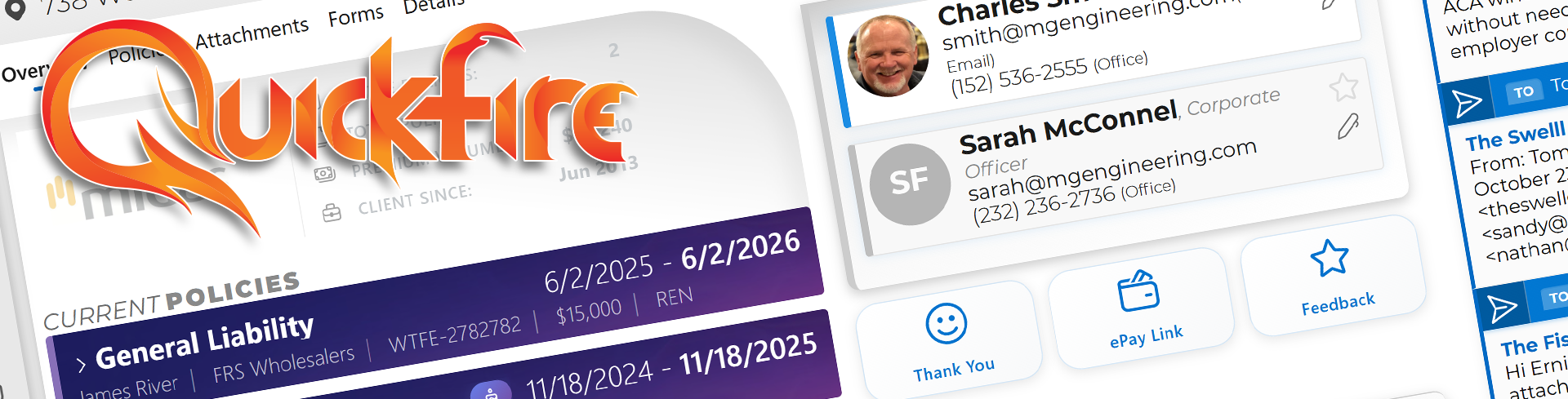
Openfire is the open source core framework of Quickfire and is focused on workflows. The fully featured, closed source builds for Mac (Desktop only) and Windows (Desktop and Server) are available now at https://quickfireams.com
OPENFIRE 1.2 "IGNITION" · RELEASE
Openfire is the open source edition, now fully refactored for a cleaner architecture, faster iteration, and a stronger foundation for AI and automation.
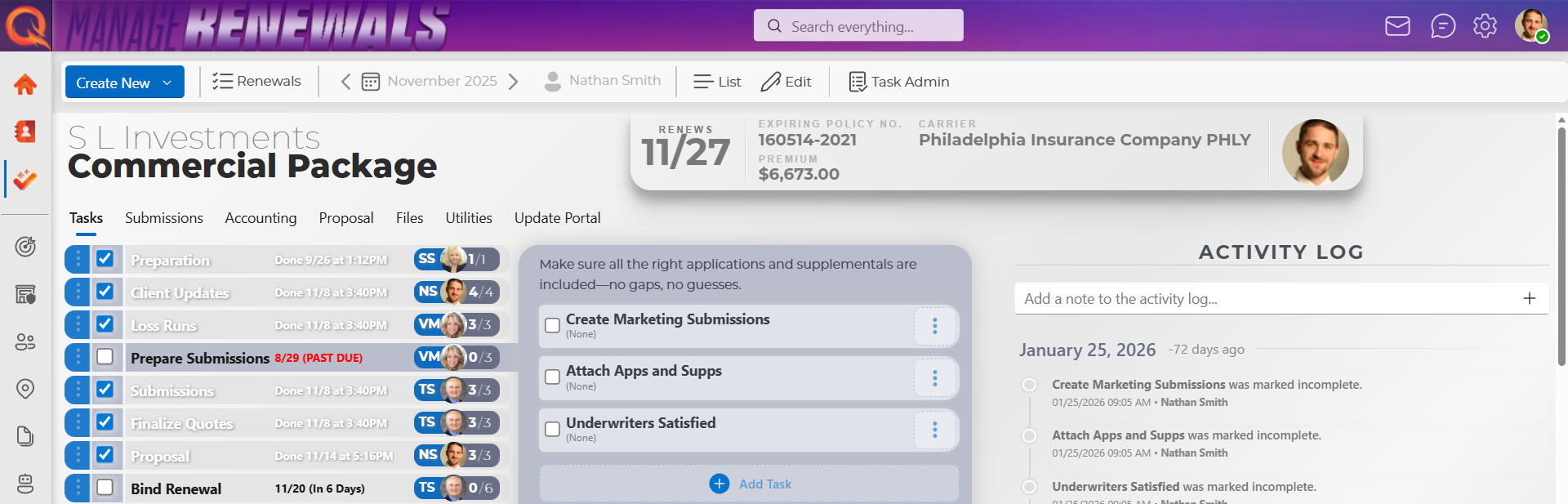
- KNOW YOUR BOOK. Keep clients, contacts, addresses, locations, policies, and carriers together.
- KEEP RENEWALS MOVING. Organize leads, quotes, submissions, tasks, and the next thing that needs doing.
- GIVE PAPERWORK A HOME. Upload attachments, find the right document, and keep it tied to the right policy.
- PUT FORMS TO WORK by managing PDF revisions, non-destructable fills, and built-in editors.
- GET THE DETAILS out of your head. Track tasks, dates, notes, policy limits, rates, and coverages.
- KEEP THE TEAM RUNNING by publishing procedures in the Company Manual.
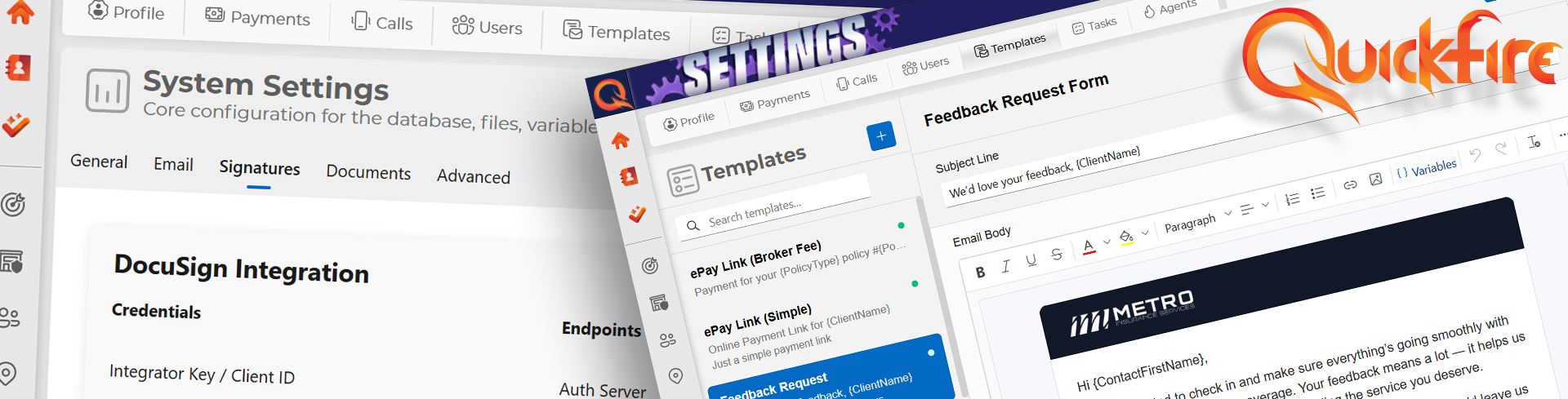
- CONSOLODATE YOUR APIs to track payments, phone calls, leads, documents, and forms in one place.
- USE OpenAI INTEGRATIONS to build custom prompts for data entry, summaries, and workflows.
- CENTRALIZE ALL THE THINGS from renewals, quotes, leads, and submissions with clear next actions.
- TALK TO YOUR DATA in natural language to unlock bleeding edge insights and time savers.
- SPAWN BACKGROUND WORKERS to handle follow ups, perform routine duties and more.
The boring stuff got serious attention.
- A current foundation: SDK 10.0.401, ASP.NET Core / EF Core 10.0.12, matching EF tooling, and updated vulnerable dependencies.
- A first run that can recover: automatic SQLite migrations and restartable setup, with existing records and passwords preserved.
- Configuration that behaves: the web project's
.envloads early, deployment settings win, and Syncfusion uses your actual license. - Helpers with boundaries: account-owned pairing, expiring credentials, revocation, and one selected Office executor per user.
- Straight answers from desktop actions: correlated responses, explicit failures, and no automatic replay when a helper disconnects.
- A tested starting point: web-only builds, dependency checks, disposable database tests, and licensed browser smoke tests.
Stale login cookies are cleared when their account no longer exists, and daily tasks handle a missing user safely. Small fixes. Fewer headaches.
| Under the hood | What it does |
|---|---|
| ASP.NET Core 10 + Blazor | Web application with server-side interactivity |
| Entity Framework Core + SQLite | Local database, migrations, and the supported 1.2 quickstart |
| Microsoft Fluent UI + Syncfusion Blazor | Interface, grids, forms, and document controls |
| Quickfire.Shared | Shared helper protocol, validation, and credential protection |
| Desktop, Tray, and Call | Optional Windows companions for Office actions and incoming calls |
The supported lane: Windows-hosted web + SQLite. The web build needs neither MAUI nor Office. SQL Server is experimental; its migration chain, Linux/container hosting, and full installer qualification are separate work.
Ready. Aim. dotnet run.
Bring Windows, .NET SDK 10.0.401 (servicing patches are allowed), and your own Syncfusion license for the components you use. No OpenAI key is required for core startup.
git clone https://github.com/flashvenom/Quickfire.git
cd Quickfire
Copy-Item src/Quickfire.Blazor/.env.example src/Quickfire.Blazor/.envEdit src/Quickfire.Blazor/.env:
- Set
ADMIN_PASSWORDto a unique, strong password. There is no shared default password. - Set
SYNCFUSIONto your license key which can be obtained for free as a Syncfusion Community License. - Keep the example SQLite connection for a local installation.
- The first account defaults to
admin@quickfire.local. SetADMIN_EMAILandADMIN_USERNAMEif you want to change it.
The web app reads this project-local file, not a .env at the repository root. Process environment variables take priority. Keep credentials, databases, and uploaded documents out of Git.
dotnet tool restore
dotnet restore Quickfire.Web.slnf
dotnet build Quickfire.Web.slnf
dotnet dev-certs https --trust
dotnet run --project src/Quickfire.Blazor
Open the HTTPS address printed by the app and sign in with your configured account. SQLite migrations and baseline setup run automatically. The default database is src/Quickfire.Blazor/local.db.
Missing or invalid first-run password? Fix it and restart. Setup resumes safely; later startups preserve existing accounts and passwords.
Upgrading? Back up the database and attachments first, then keep your existing connection and storage settings. Follow Getting started for configuration, upgrades, recovery, and storage details.
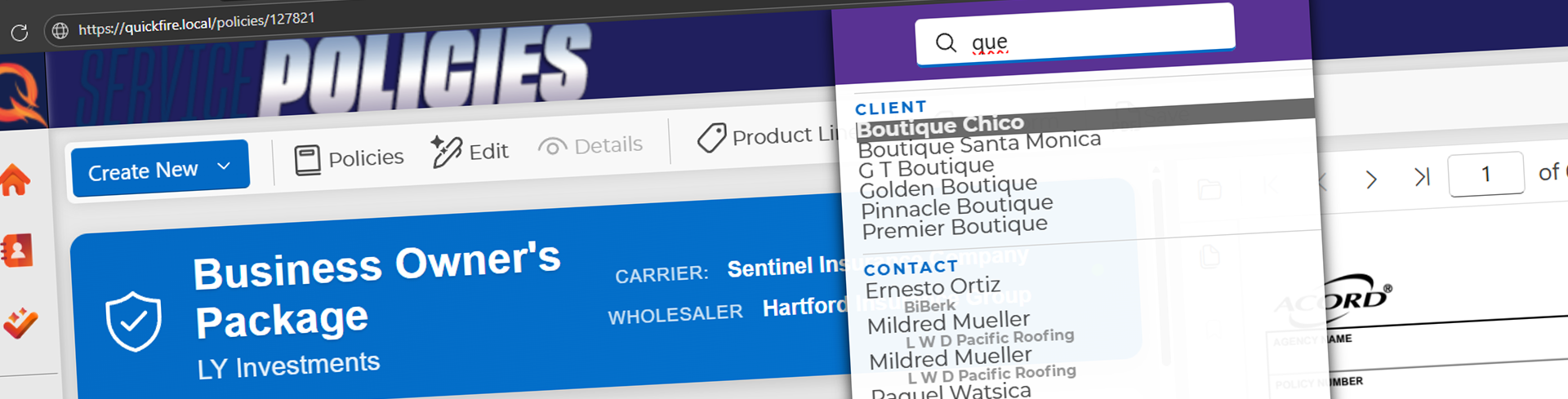
The browser handles the core app. Optional Windows helpers bring Office and incoming-call workflows along for the ride.
- Sign in and open Profile → Connected helpers.
- Create an Office-helper or incoming-call credential.
- Enter the server URL and the one-time credential in the updated helper.
- Select the Office helper that should execute commands. One active executor per account.
Keys expire after 90 days, can be revoked from Profile, and are protected locally for the current Windows user. Remote connections require trusted HTTPS; actual loopback connections can use HTTP.
Upgrade the server and helpers together. Older anonymous helpers need an upgrade and pairing. Office actions require the corresponding Windows application. Tray stays on .NET Framework 4.8; Call runs on .NET 10.
Pairing, native builds, and smoke checks →
Same roots. Different loadouts.
| Edition | What you're getting |
|---|---|
| Openfire | This public repository: the core client, policy, renewal, document, forms, and Company Manual workflows, plus the 1.2 foundation. |
| Quickfire | A free, powerful arsenal of tools including private AI, integrations, billing, and advanced automation. Explore it at quickfireams.com. |
| Quickfire Pro | Unlock the full potential of Quickfire with more integrations and advanced features. Explore it at quickfireams.com. |
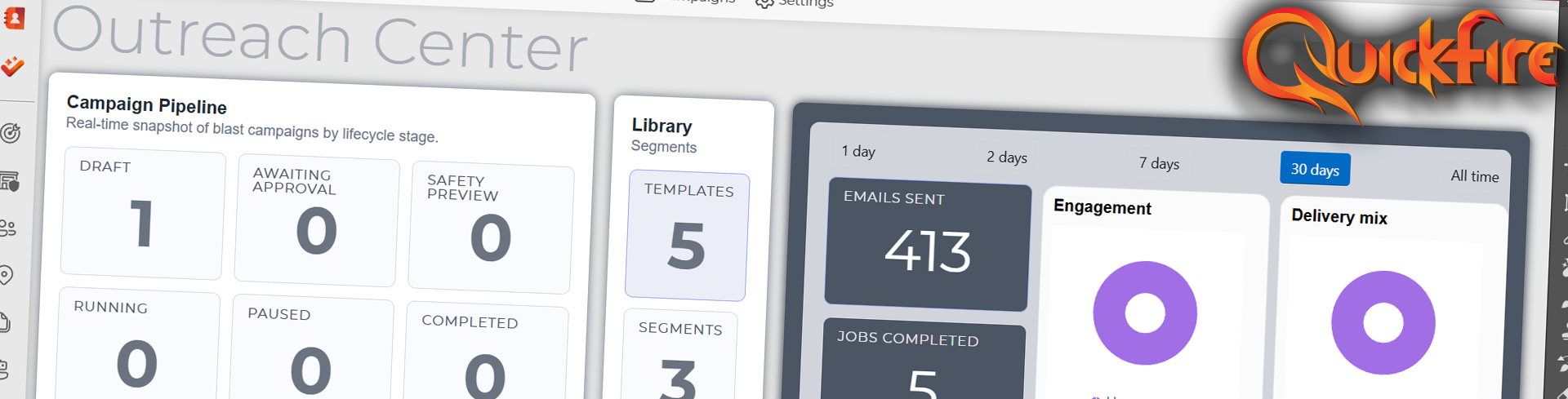
Quickfire Pro's Outreach Center is shown above; it is not included in Openfire.
./build/verify-web.ps1One command restores pinned tooling, audits direct and transitive dependencies, builds the web-only solution, runs the foundation tests, and checks the SQLite migration snapshot. No MAUI or Office required.
The browser smoke suite covers sign-in, client editing, attachment upload/download, pairing, and stale-session recovery against disposable data. Its separate Licensed browser smoke workflow uses the repository secret QUICKFIRE_BROWSER_SYNCFUSION_LICENSE; the earlier OPENFIRE_BROWSER_SYNCFUSION_LICENSE name remains supported.
Bring focused changes, synthetic test data, and a clear explanation of what got better. Start with Contributing and the architecture guide.
Built for the book. Ready for the next renewal.
Documentation · Release notes · Quickfire Public License · Commercial Quickfire