Drag the Extra Action Button anywhere on your screen


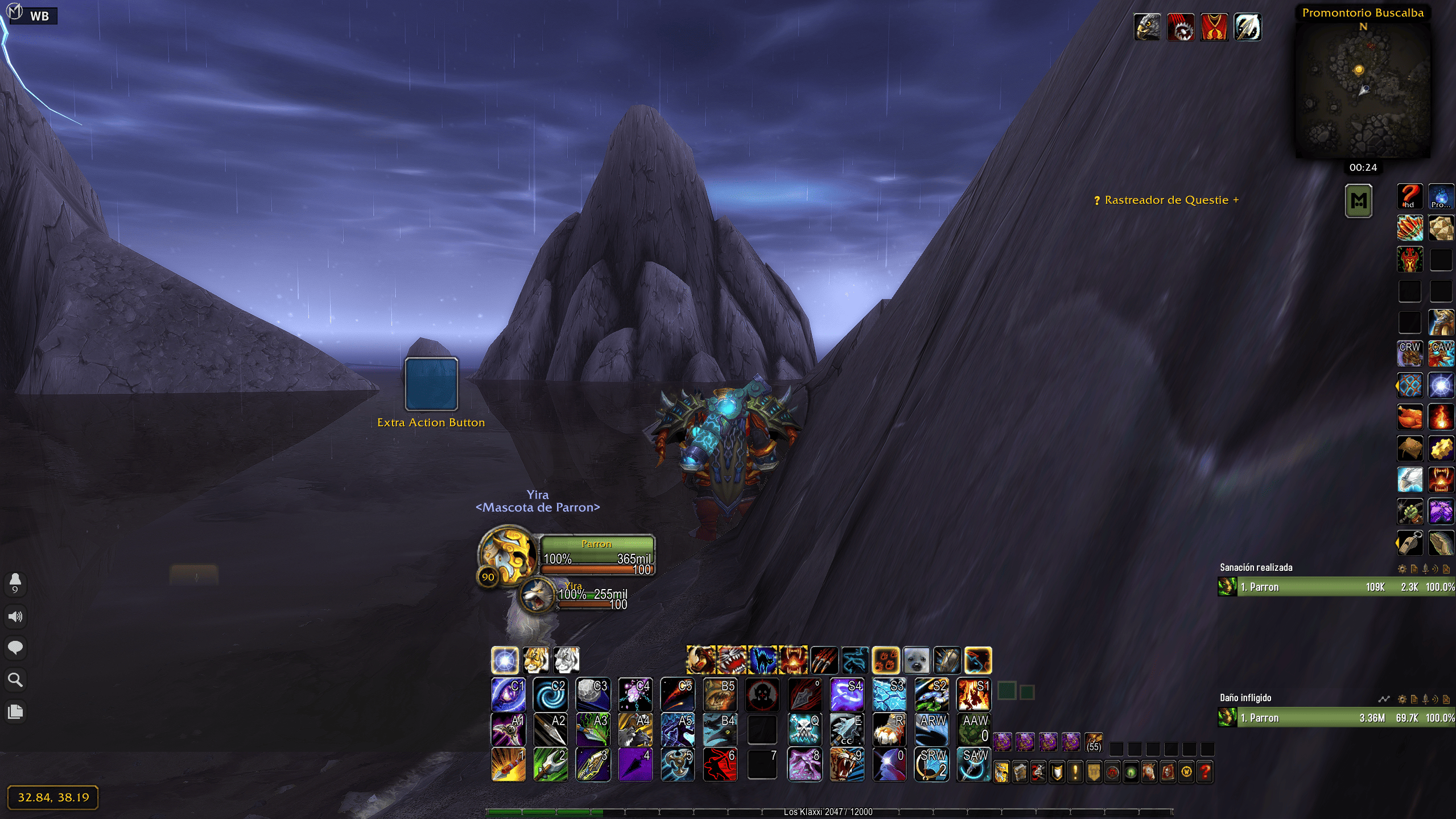 Default position |
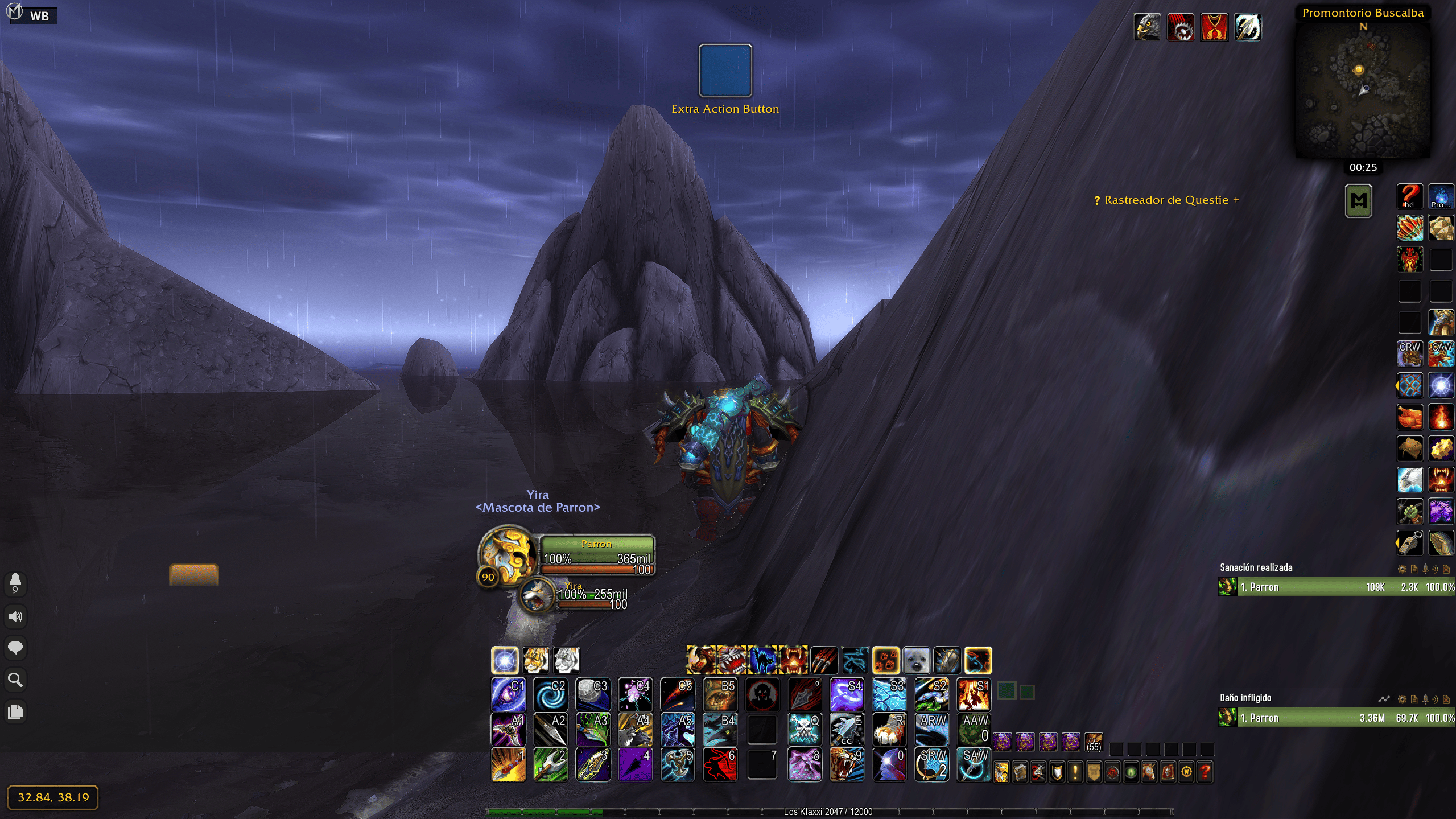 Moved to a new position |
Move Extra Action Button adds a small mover frame for ExtraActionButton1, the big button some encounters and quests give you. Show the mover, drag it where you want and the button snaps to it. On Mists of Pandaria Classic it can also move the Alternate Power Bar.
- Blue mover frame for the Extra Action Button (
/eab). - Mists Classic only: orange mover frame for the Alternate Power Bar (
PlayerPowerBarAlt) (/eap). - The button is re-anchored to the mover on login, after combat and whenever the extra action bar, vehicle or alternate power bar updates.
- Never touches protected frames during combat (in Mists Classic the movers can't be dragged or toggled in combat either).
- Labels and help translated into 20 languages.
- Download the zip from the latest release or from CurseForge.
- Extract the
MoveExtraActionButtonfolder into:- TBC Anniversary:
World of Warcraft/_anniversary_/Interface/AddOns/ - Mists of Pandaria Classic:
World of Warcraft/_classic_/Interface/AddOns/
- TBC Anniversary:
- Restart WoW and enable the addon.
/eab— show or hide the Extra Action Button mover. Drag it with the left mouse button./eap— show or hide the Alternate Power Bar mover (Mists Classic)./eab helpor/eap help— list the commands (Mists Classic).
- There are no options and no saved variables: the mover is a regular movable frame, so its position is kept by the game's own frame layout.
Author: Pirson · GitHub · CurseForge · MIT License